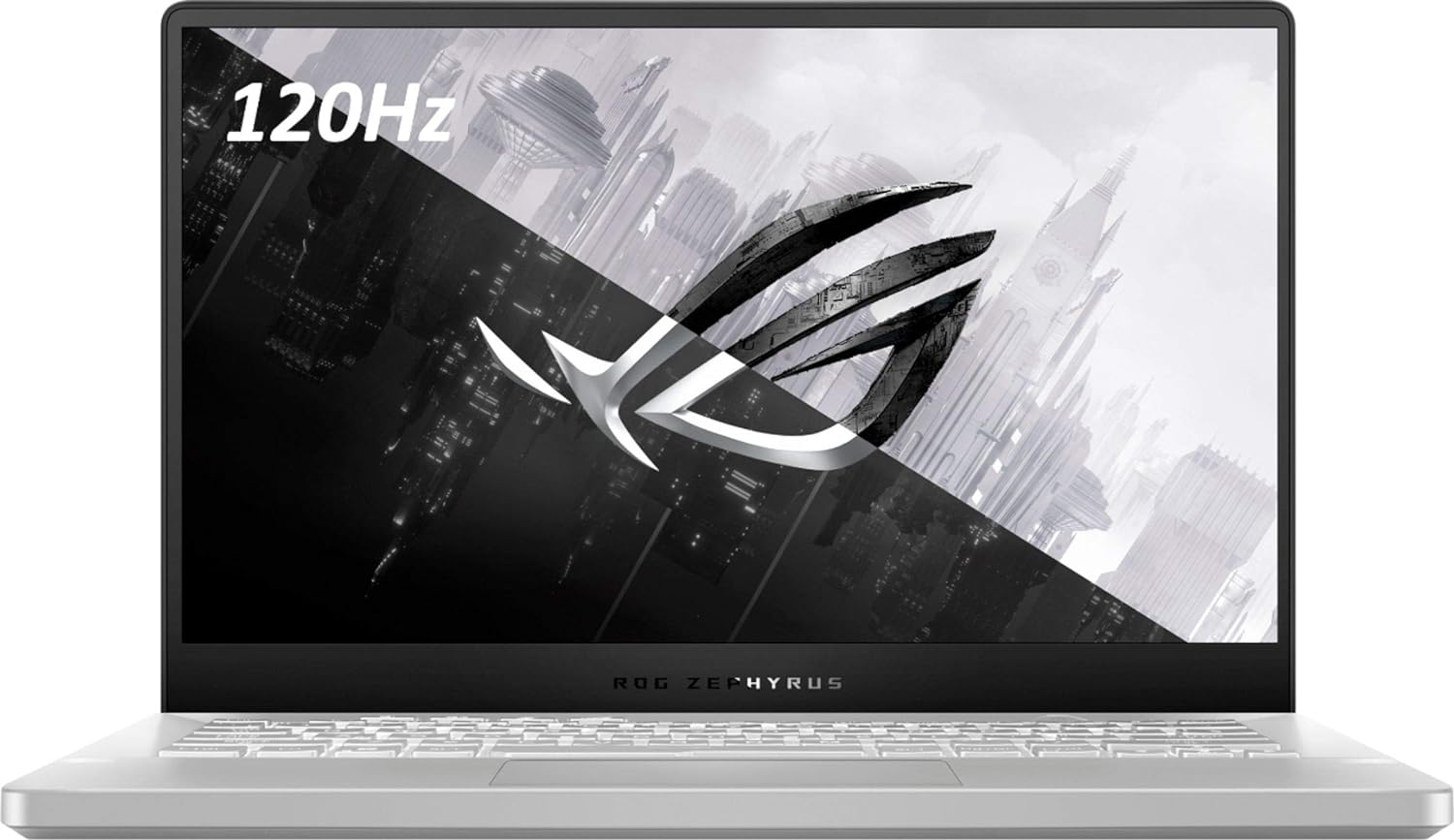

EXCaliberPC
EXCaliberPC ASUS ROG Flow Z13 GZ302EA-XS99 Touchscreen Laptop
Bottom line: Per its Amazon listing, the EXCaliberPC ASUS ROG Flow Z13 GZ302EA-XS99 Touchscreen Laptop ($3,799.99 on Amazon as of 2026-11-22 17:14 UTC): display: 13.4" 2.5K (2560 x 1600, WQXGA) 180Hz IPS-Level Touch Display (100% DCI-P3); processor: AMD Ryzen AI MAX+ 395 16 Cores (3.0GHz-5.1GHz, 64MB Cache).
As an Amazon Associate, SpecPicks earns from qualifying purchases. Full disclosure →
*Price sourced from Amazon.com. Last updated 2026-11-22. Product prices and availability are accurate as of the date/time indicated and are subject to change. Any price and availability information displayed on Amazon.com at the time of purchase will apply to the purchase of this product.
Pros & Cons
Pros
- ✓ Display: 13.4" 2.5K (2560 x 1600, WQXGA) 180Hz IPS-Level Touch Display (100% DCI-P3)
- ✓ Backed by EXCaliberPC's warranty and support channels
Cons
- ✗ Check the listed dimensions, connectors and platform compatibility against your setup before ordering
- ✗ Price, stock, shipping and returns are set by the retailer and may have changed since this page was last updated
SpecPicks Verdict
SpecPicks has no buyer-rating or benchmark data for EXCaliberPC ASUS ROG Flow Z13 GZ302EA-XS99 Touchscreen Laptop, so this read rests on the manufacturer's listed specs and the current price in the gaming laptops category (how we evaluate). Compare with similarly-priced alternatives in the gaming laptops category before committing. Judge it on the specification table and the price rather than on sentiment: check the figures that decide your use case, then put it side-by-side with two or three close alternatives in the Compare tool before clicking through.
Before ordering, check the listed dimensions, ports, power requirements and supported devices or systems in the spec table below against how you plan to use it, and confirm them on the retailer's listing. Prices and stock are set by the retailer and may have moved since this page was last updated.
Key Features
Quoted from the manufacturer's listing. Where it differs from the pros and cons above, those note the conditions the listing leaves out.
- Display: 13.4" 2.5K (2560 x 1600, WQXGA) 180Hz IPS-Level Touch Display (100% DCI-P3)
- Processor: AMD Ryzen AI MAX+ 395 16 Cores (3.0GHz-5.1GHz, 64MB Cache)
- Graphics Card: AMD Radeon 8060S Graphics
- RAM: 128GB LPDDR5X 8000MHz (Onboard) | Hard Drive: 2TB Crucial P310 M.2 2230 NVMe SSD (Seq. Read 7100MB/s, Seq. Write 6000MB/s)
- OS: Microsoft Windows 11 Pro | Warranty: 1-Year ASUS USA + Global Warranty Parts & Labor + Lifetime Tech Support from EXCaliberPC
Full Specifications
| Full listing title | EXCaliberPC [2025] ASUS ROG Flow Z13 GZ302EA-XS99 (AMD Ryzen AI MAX+ 395, 128GB RAM, 2TB NVMe SSD, 13.4" 2.5K 180Hz, Windows 11 Pro) Touchscreen Laptop |
|---|
Ready to buy?
EXCaliberPC [2025] ASUS ROG Flow Z13 GZ302EA-XS99 (AMD Ryzen AI MAX+ 395, 128GB RAM, 2TB NVMe SSD, 13.4" 2.5K 180Hz, Windows 11 Pro) Touchscreen Laptop is listed on Amazon. Price, availability, shipping and returns are set by Amazon and its sellers — check the listing for current terms. SpecPicks earns a small commission on qualifying purchases — thank you for supporting independent review work.
*Price sourced from Amazon.com. Last updated 2026-11-22. Product prices and availability are accurate as of the date/time indicated and are subject to change. Any price and availability information displayed on Amazon.com at the time of purchase will apply to the purchase of this product.
Read our analysis
SpecPicks coverage that features this Gaming Laptop.
Related Gaming Laptops


More guides & deep dives from the SpecPicks archive
Browse all articles & guides →- How to Build a Windows 98 Retro PC in 2026
- The Complete Voodoo5 5500 AGP Driver Guide (2026 Edition)
- Best Budget Gaming PC Build 2026 — ~$1,000 Parts List
- Emulation Hardware in 2026: FPGA, Software, and Cart-Reader Ecosystems
- Best 1440p Gaming GPUs in 2026
- Best Retro Handhelds in 2026: Pocket, Mid-Tier and FPGA Picks
- RTX 4070 Super vs RX 7800 XT — Which to Buy in 2026
More reviews from the SpecPicks archive
Browse all reviews →- That $850 Prebuilt With $1,200 of Parts: What the Math Actually Says
- Best Gaming Monitor for 2026: 5 Picks from 1440p to 4K
- Pushing a 6GB VRAM Laptop to Its Limits With Qwen3.6-35B-A3B
- Noctua NH-U12S vs CoolerMaster ML240L: Air or AIO for 5800X
- Mac Studio AI Model 2025: Performance vs AMD Alternatives
- GTX 1050 Ti 4GB vs Raspberry Pi 4 8GB for Qwen3 1.7B Local Inference
- Best CPU Cooling for AMD Ryzen Builds in 2026
- Intel Arc Pro B70 Linux Gaming Performance 2026
- Best Single-Board Computer Kits for Beginners (2026)
- Build a Raspberry Pi 4 8GB NAS with SATA SSDs in 2026
- NVIDIA Cosmos 3 vs Ideogram 4.0: Which Open Image Model to Run on 12GB
- Best Streaming Starter Kit for Creators in 2026
- Intel Arc Pro B60 Gaming Guide: 24GB Battlemage in 2026
- Four Frontier Models in Eight Days: What a 12GB RTX 3060 Can Actually Run
- How to run Qwen 3 32B on Apple M4 (2026)
- Qwen 3.8 Open Weights: What Fits on a 12GB GPU
- Build a Motion-Triggered Wildlife Camera on Raspberry Pi (2026)
- Running Mistral's New OCR Model Locally on a 12GB GPU
- GameSir G7 SE vs 8BitDo Pro 2 for PC Gaming: Wired Precision vs Wireless Flexibility
- AA-AgentPerf: What the New Agentic Benchmark Means for Local Coding Rigs
- Ollama vs LM Studio vs vLLM: Choosing a Local LLM Runner
- SteamOS Boots on Intel: Enthusiast Hack Breaks Valve's AMD-Only Grip
- Cosmos3-Super on an RTX 3060 12GB: Can the #1 Open-Weights Image Model Run Local?
- Cursor vs Cline vs Aider for Local-First AI Coding in 2026
Earliest SpecPicks reviews
Browse full archive →- Best GPU for Llama 3.1 8B (2026)
- Best GPU for Qwen 3 14B (2026)
- Best GPU for Qwen 3 32B (2026)
- Best GPU for Llama 3.1 70B (2026)
- Best GPU for DeepSeek-R1 32B (2026)
- Best GPU for Llama 3.1 405B (2026)
- How to run Llama 3.1 8B on NVIDIA GeForce RTX 5090
- How to run Qwen 3 14B on NVIDIA GeForce RTX 5090
- How to run Qwen 3 32B on NVIDIA GeForce RTX 5090
- How to run Llama 3.1 70B on NVIDIA GeForce RTX 5090
- How to run DeepSeek-R1 32B on NVIDIA GeForce RTX 5090
- How to run Llama 3.1 8B on NVIDIA GeForce RTX 4090