

RASTKY
RASTKY USB C PCIe Card Efficient Data Transfer Expansion
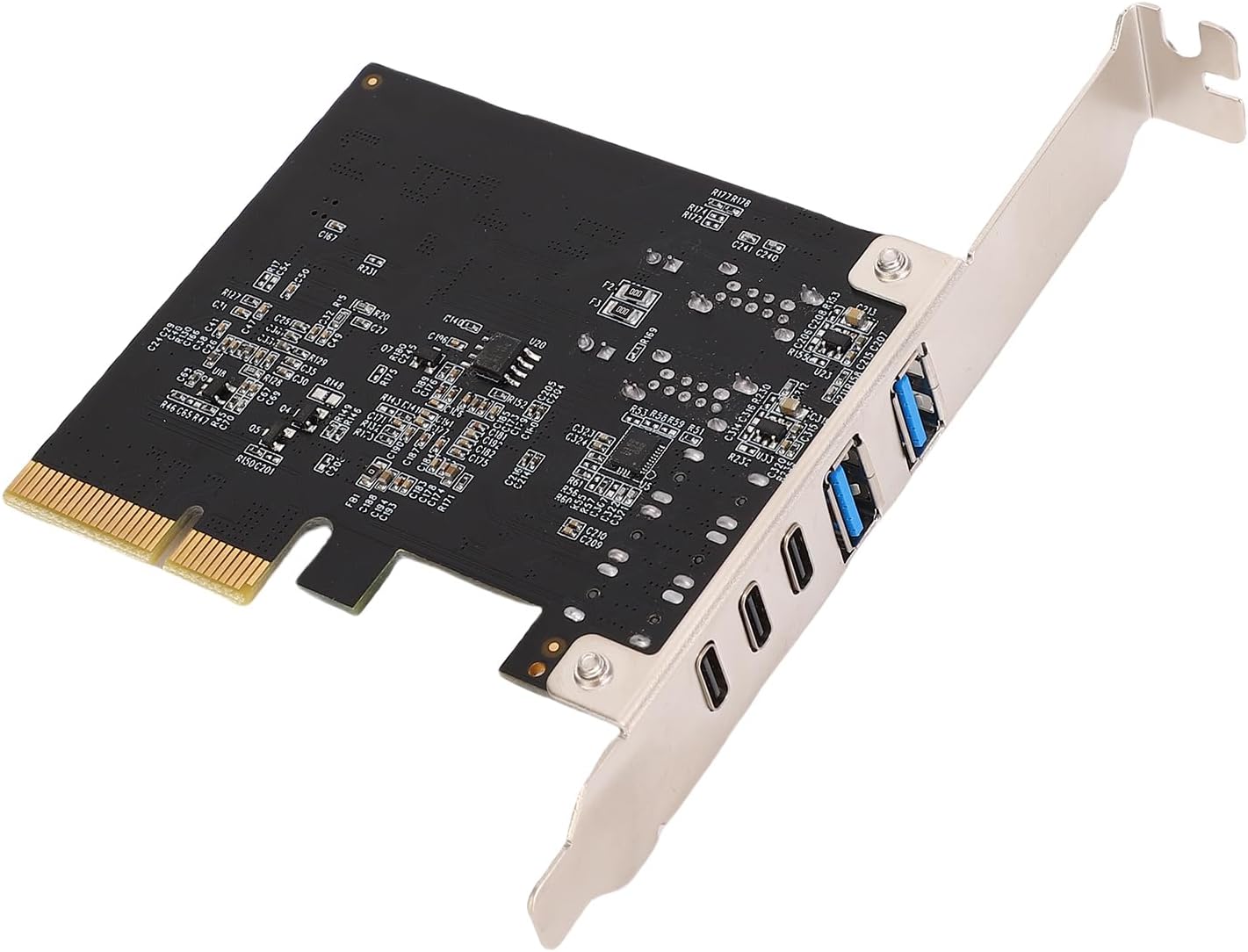
Bottom line: Per its Amazon listing, the RASTKY USB C PCIe Card Efficient Data Transfer Expansion: easily add 5 ports to your desktop for external storage; compliant with USB 3.2 GEN2 10Gbps standard.
As an Amazon Associate, SpecPicks earns from qualifying purchases. Full disclosure →
Pros & Cons
Pros
- ✓ Easily add 5 ports to your desktop for external storage
- ✓ Compliant with USB 3.2 GEN2 10Gbps standard
- ✓ Backed by RASTKY's warranty and support channels
Cons
- ✗ Needs a free PCIe slot — check which of your board's slots are wired for it
Manufacturer description
1. [ENHANCED USB CONNECTIVITY] Easily add 5 ports to your desktop for external storage, VR headsets, game controllers, and more.2. [EFFICIENT DATA TRANSFER] Compliant with USB 3.2 GEN2 10Gbps standard, ensuring smooth operation for data processing and downloads.3. [PLUG AND PLAY] Compatible with 10 and later versions, no drivers needed for quick and easy setup.4. [NO ADDITIONAL POWER] Connects directly to the motherboard via the PCIe slot, eliminating the need for extra power.5. [SAFETY FIRST] Includes brackets for different case sizes, ensuring a secure installation without risking injury…
SpecPicks Verdict
SpecPicks has no buyer-rating or benchmark data for RASTKY USB C PCIe Card Efficient Data Transfer Expansion, so this read rests on the manufacturer's listed specs (how we evaluate). Compare with similarly-priced alternatives in the expansion cards category before committing. Judge it on the specification table and the price rather than on sentiment: check the figures that decide your use case, then put it side-by-side with two or three close alternatives in the Compare tool before clicking through.
Before ordering, confirm the board side: this card needs a free PCIe slot of the width the card uses. Your motherboard manual lists which slots share lanes with M.2 sockets or other slots. Prices and stock are set by the retailer and may have moved since this page was last updated.
Key Features
Quoted from the manufacturer's listing. Where it differs from the pros and cons above, those note the conditions the listing leaves out.
- [ENHANCED USB CONNECTIVITY] Easily add 5 ports to your desktop for external storage, VR headsets, game controllers, and more.
- [EFFICIENT DATA TRANSFER] Compliant with USB 3.2 GEN2 10Gbps standard, ensuring smooth operation for data processing and downloads.
- [PLUG AND PLAY] Compatible with 10 and later versions, no drivers needed for quick and easy setup.
- [NO ADDITIONAL POWER] Connects directly to the motherboard via the PCIe slot, eliminating the need for extra power.
- [SAFETY FIRST] Includes brackets for different case sizes, ensuring a secure installation without risking injury during setup.
Full Specifications
| Brand | RASTKY |
|---|---|
| Connectivity | USB-C |
| Model Number | RASTKYydznqbt086 |
| Compatibility | Linux |
| Number of Items | 1 |
| Warranty Description | manufacturer warranty for 90 day |
| Full listing title | USB C PCIe Card Efficient Data Transfer Expansion for for Linux 10Gbps 3 USB Type C and 2 Type A PCI Express to Expansion Card for External Storage, Printers |
Ready to buy?
USB C PCIe Card Efficient Data Transfer Expansion for for Linux 10Gbps 3 USB Type C and 2 Type A PCI Express to Expansion Card for External Storage, Printers is listed on Amazon. Price, availability, shipping and returns are set by Amazon and its sellers — check the listing for current terms. SpecPicks earns a small commission on qualifying purchases — thank you for supporting independent review work.
Related Expansion Cards


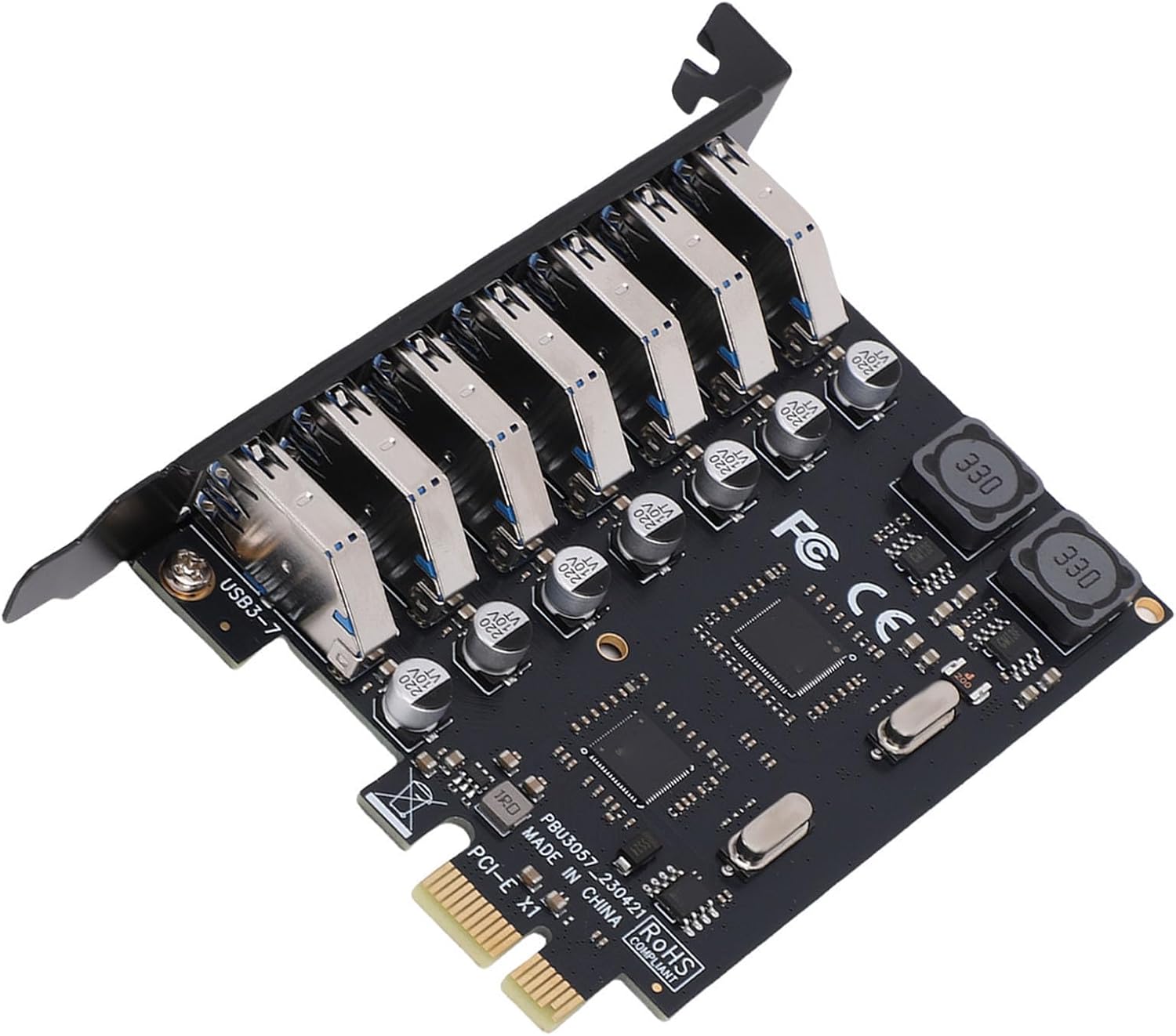

More guides & deep dives from the SpecPicks archive
Browse all articles & guides →- RTX 4070 Super vs RX 7800 XT — Which to Buy in 2026
- Emulation Hardware in 2026: FPGA, Software, and Cart-Reader Ecosystems
- How to Build a Windows 98 Retro PC in 2026
- Best 1440p Gaming GPUs in 2026
- Best Retro Handhelds in 2026: Pocket, Mid-Tier and FPGA Picks
- Best Budget Gaming PC Build 2026 — ~$1,000 Parts List
- The Complete Voodoo5 5500 AGP Driver Guide (2026 Edition)
More reviews from the SpecPicks archive
Browse all reviews →- 8BitDo Pro 2 on Win98 SE and WinXP: Mapping a Modern Bluetooth Pad to DOSBox, Glide Games, and…
- Raspberry Pi 5 16GB Ships — Is the Pi 4 8GB Still Worth It?
- Gemma 4 31B Uncensored on a 12GB RTX 3060: What Fits, How Fast
- KOORUI 27" 4K vs Samsung Odyssey 27" 4K: Best 4K Monitor for Console & PC Gaming
- Best CPU Cooler for a Ryzen 7 3700X: Air vs 240mm AIO in 2026
- ComfyUI on an RTX 3060 12GB: Flux and SDXL Speeds in 2026
- Best Gaming Room Lighting in 2026: LED Strips and Ring Lights
- VibeThinker-3B: A 3B Reasoning Model That Fits Any 12GB GPU
- Best Raspberry Pi 4 Starter Kit Bundle for First-Time Robotics Builders in 2026
- Best PC Couch-Gaming Setup in 2026: Controllers, Display, and Audio
- DIY Handheld Tricorder Build Guide 2026
- Raspberry Pi OS Moves to Linux 6.18 LTS: What Changes for Pi Builders
- RTX 3060 12GB vs RTX 5060: Best Value for 1080p Gaming + Local AI
- Best First Upgrades for a Prebuilt Gaming PC in 2026
- Continuous Blood Pressure Monitoring Without a Cuff in 2026
- Self-Host a 24/7 FM Radio Station on a Raspberry Pi Zero 2W
- Irtysh 32-Core CPU: Is the 30+ FPS Witcher 3 Claim Real?
- Best SSD for a Local AI / LLM Workstation in 2026
- Forza Horizon 6 Runs Surprisingly Well on Steam Deck — Here's What Players Are Reporting
- Windows XP Gaming ISO: A Modern Hardware Setup Guide
- Pentium III Coppermine vs Tualatin: Which 2001 LAN Build CPU Aged Better
- Best Budget 4K Gaming Monitor Under $400 in 2026: SANSUI vs KOORUI Mini-LED
- Ryzen 5 2600 vs Ryzen 9 3900X: Do 12 Cores Buy CPU-Only 8B Inference?
- Tencent Hunyuan-MT 440MB On-Device Translator: Which Phones and SBCs Can Actually Run It?
Earliest SpecPicks reviews
Browse full archive →- Best GPU for Llama 3.1 8B (2026)
- Best GPU for Qwen 3 14B (2026)
- Best GPU for Qwen 3 32B (2026)
- Best GPU for Llama 3.1 70B (2026)
- Best GPU for DeepSeek-R1 32B (2026)
- Best GPU for Llama 3.1 405B (2026)
- How to run Llama 3.1 8B on NVIDIA GeForce RTX 5090
- How to run Qwen 3 14B on NVIDIA GeForce RTX 5090
- How to run Qwen 3 32B on NVIDIA GeForce RTX 5090
- How to run Llama 3.1 70B on NVIDIA GeForce RTX 5090
- How to run DeepSeek-R1 32B on NVIDIA GeForce RTX 5090
- How to run Llama 3.1 8B on NVIDIA GeForce RTX 4090