

GMBYLBY
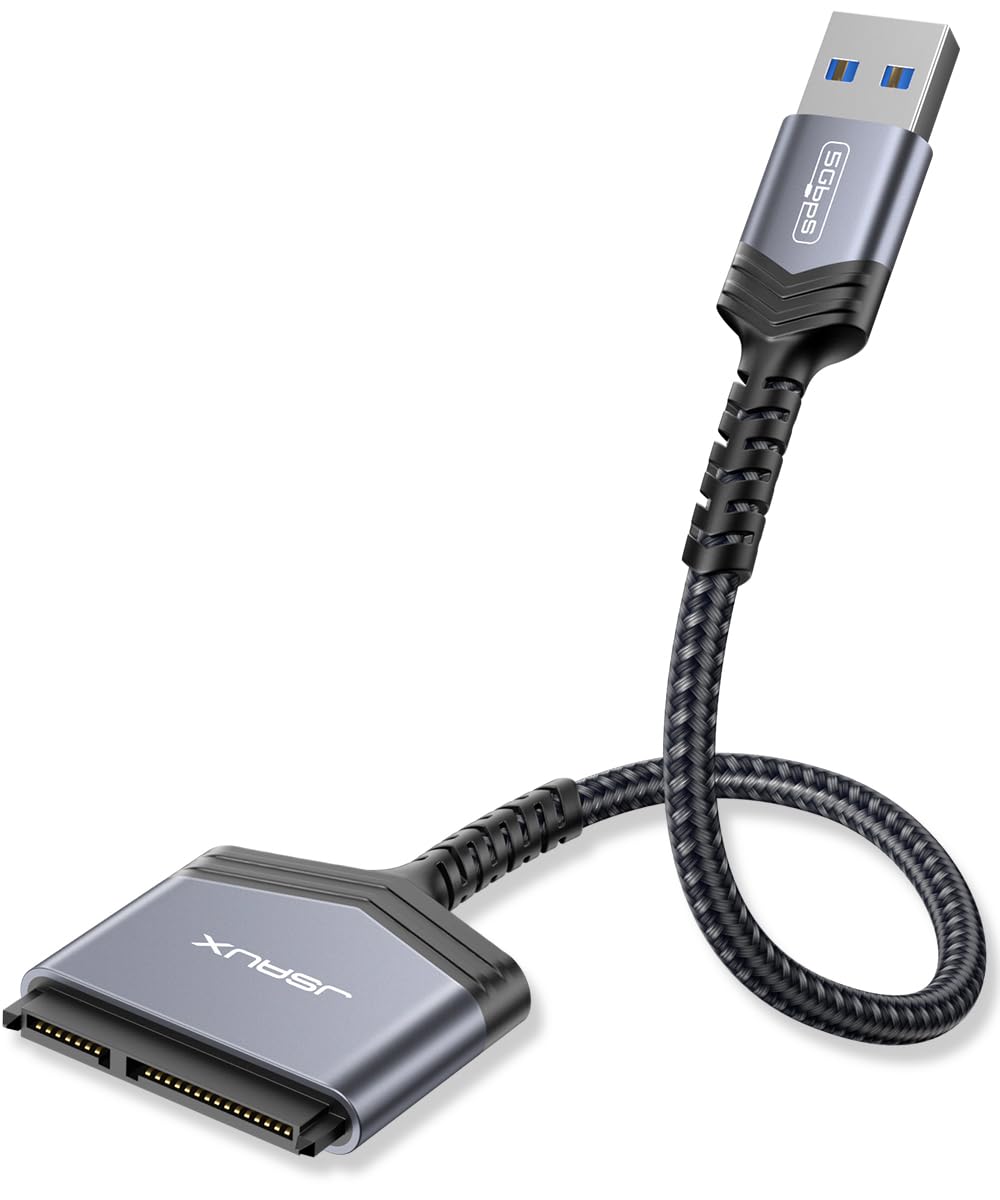
34 Pin Floppy Interface to 26 Pin FFC FPC to PCB Converter Board Adapter 34 Pin to 26Pin Power Cable Adapter Converter Floppy Drive Cable Adapter
Bottom line: The 34 Pin Floppy Interface to 26 Pin FFC FPC to PCB Converter Board is a specs-and-price decision rather than a crowd-consensus one in the cables & connectors category. Check the specification table below against one or two close alternatives — on price and spec fit, not on star ratings.
As an Amazon Associate, SpecPicks earns from qualifying purchases. Full disclosure →
Before you buy
- Check the listed dimensions, connectors and platform compatibility against your setup before ordering
- Price, stock, shipping and returns are set by the retailer and may have changed since this page was last updated
Manufacturer description
34 Pin Floppy Interface To 26 Pin FFC FPC To PCB Converter Board Adapter 34 Pin To 26Pin Power Cable Adapter Converter Floppy drive cable adapterFeatures:Brand new and For all applications were you need to replace a floppy drive unit with a 26 pin data connector with our floppy emulators.This adapter board features a 34Pin to 26Pin cable, providing easy access to data stored on floppy disks.Designed for individuals looking to access their archived files and data from older floppy drives.Whether you're transferring important files accessing historical data, this connector is perfect for your…
SpecPicks Verdict
SpecPicks has no buyer-rating or benchmark data for 34 Pin Floppy Interface to 26 Pin FFC FPC to PCB Converter Board…, so this read rests on the manufacturer's listed specs (how we evaluate). Compare with similarly-priced alternatives in the cables & connectors category before committing. Judge it on the specification table and the price rather than on sentiment: check the figures that decide your use case, then put it side-by-side with two or three close alternatives in the Compare tool before clicking through.
Before ordering, check the listed dimensions, ports, power requirements and supported devices or systems in the spec table below against how you plan to use it, and confirm them on the retailer's listing. Prices and stock are set by the retailer and may have moved since this page was last updated.
Key Features
Quoted from the manufacturer's listing. Where it differs from the pros and cons above, those note the conditions the listing leaves out.
- This adapter board features a 34Pin to 26Pin cable, providing easy access to data stored on floppy disks.
- Whether you're transferring important files accessing historical data, this connector is perfect for your needs.
- Enjoy the convenience of connecting your old floppy drive to newer computers with this Floppy Drive Connector.
- Designed for individuals looking to access their archived files and data from older floppy drives.
- For all applications were you need to replace a floppy drive unit with a 26 pin data connector with our floppy emulators.
Full Specifications
| Brand | GMBYLBY |
|---|
Ready to buy?
34 Pin Floppy Interface to 26 Pin FFC FPC to PCB Converter Board Adapter 34 Pin to 26Pin Power Cable Adapter Converter Floppy Drive Cable Adapter is listed on Amazon. Price, availability, shipping and returns are set by Amazon and its sellers — check the listing for current terms. SpecPicks earns a small commission on qualifying purchases — thank you for supporting independent review work.
Related Cables & Connectors



More guides & deep dives from the SpecPicks archive
Browse all articles & guides →- Emulation Hardware in 2026: FPGA, Software, and Cart-Reader Ecosystems
- RTX 4070 Super vs RX 7800 XT — Which to Buy in 2026
- How to Build a Windows 98 Retro PC in 2026
- Best Budget Gaming PC Build 2026 — ~$1,000 Parts List
- The Complete Voodoo5 5500 AGP Driver Guide (2026 Edition)
- Best Retro Handhelds in 2026: Pocket, Mid-Tier and FPGA Picks
- Best 1440p Gaming GPUs in 2026
More reviews from the SpecPicks archive
Browse all reviews →- Forza Horizon 6 on Steam Deck: How Well Does It Run?
- Best Parts for a Local LLM Box That Also Runs Jellyfin in 2026
- Black Friday Retro Handheld Deals: 5 Picks From Miyoo to Retroid
- Best 2.5" SATA SSD for Old Laptop and PC Upgrades in 2026
- A New Benchmark Says AI Fails at Real Knowledge Work — Does a Bigger Local Rig Help?
- LattePanda Sigma GPU: What Its Graphics Really Offer
- Cloning a Win98 Voodoo3 Boot Drive: SATA-IDE Adapter Workflow
- Ryzen 5 5600G vs Ryzen 7 5700X for a Budget 1080p Gaming + Local-AI Build
- Best Adaptive and One-Handed Gaming Controllers in 2026
- PC Sim Racing Wheels in 2026: Logitech G29, Thrustmaster and HORI Compared
- Best Raspberry Pi Alternative for Home Assistant (2026)
- AMD EXPO Ultra-Low Latency BIOS Updates: 600-Series Guide
- Intel Arc B60 Stable Diffusion: Setup & Benchmarks 2025
- Voodoo3 3000 vs GeForce 256: 1999 Glide vs OpenGL Showdown
- Build Your Own Air Quality Monitor: Skip the $300+ Price Tag
- Ryzen 7 5800X vs i7-9700K: Better Home Workstation in 2026?
- Silent Cooling for a Retro Sleeper PC: Fitting a Modern Quiet Fan to a Vintage Case
- Using Claude to Hunt PCI Device IDs on Win98: Voodoo, Audigy, GeForce 4 Ti
- Best Webcam for Twitch Streaming on a Budget in 2026
- Intel Arc B580 & Arc Pro B60 24GB vs RTX 3060 12GB for Local LLMs
- What Handheld Console Should I Buy in 2026? A Decision Framework
- Modern CRT Monitor for Retro Gaming: The 2025 Reality Check
- RTX 5060 8GB vs RTX 4070 12GB for Qwen3 14B: Does 8GB Fit? (2026)
- Why FurMark Has a 'GPU Killer' Reputation
Earliest SpecPicks reviews
Browse full archive →- Best GPU for Llama 3.1 8B (2026)
- Best GPU for Qwen 3 14B (2026)
- Best GPU for Qwen 3 32B (2026)
- Best GPU for Llama 3.1 70B (2026)
- Best GPU for DeepSeek-R1 32B (2026)
- Best GPU for Llama 3.1 405B (2026)
- How to run Llama 3.1 8B on NVIDIA GeForce RTX 5090
- How to run Qwen 3 14B on NVIDIA GeForce RTX 5090
- How to run Qwen 3 32B on NVIDIA GeForce RTX 5090
- How to run Llama 3.1 70B on NVIDIA GeForce RTX 5090
- How to run DeepSeek-R1 32B on NVIDIA GeForce RTX 5090
- How to run Llama 3.1 8B on NVIDIA GeForce RTX 4090