

JSAUX
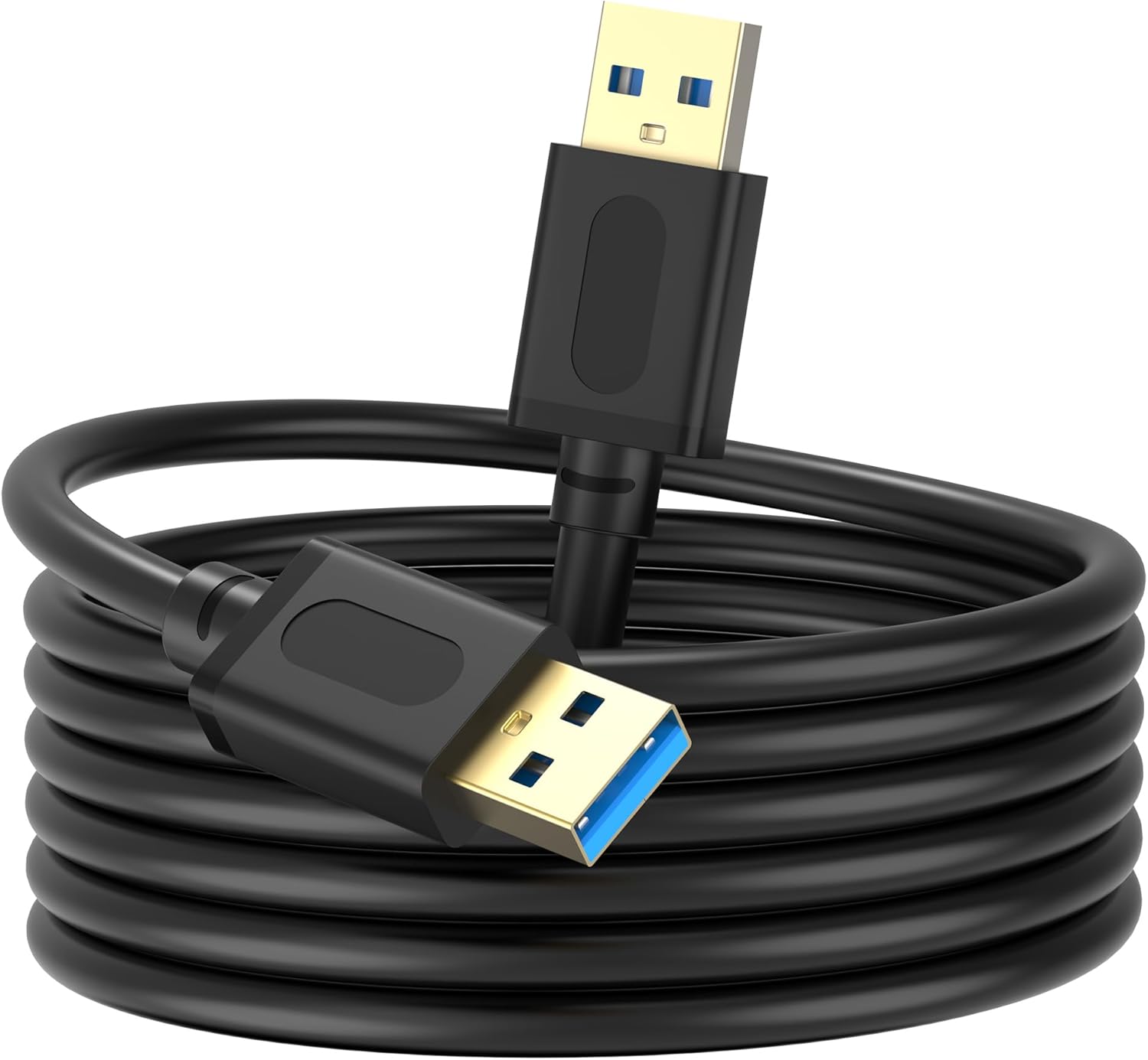
JSAUX SATA to USB C Cable
Bottom line: The JSAUX SATA to USB C Cable: 5Gbps USB 3.1 transfer with UASP support, up to 70% faster than plain USB 3.0; main trade-off: 2.5" drives only, 3.5" desktop hard drives are not supported.
As an Amazon Associate, SpecPicks earns from qualifying purchases. Full disclosure →
Pros & Cons
Pros
- ✓ 5Gbps USB 3.1 transfer with UASP support, up to 70% faster than plain USB 3.0
- ✓ Bus-powered over USB-C, no wall adapter or extra power brick needed
- ✓ Plug-and-play, no drivers to install on the host laptop
- ✓ Aluminum shell housing on a cable short enough to pocket in a laptop bag
Cons
- ✗ 2.5" drives only, 3.5" desktop hard drives are not supported
- ✗ No IDE/ATA, mSATA, or M.2 compatibility, so older retro drives need a different adapter
- ✗ Bare cable, not an enclosure, so the drive sits exposed during transfers
- ✗ 5Gbps ceiling caps fast SATA III SSDs below their rated throughput on paper
SpecPicks Verdict
SpecPicks has no buyer-rating or benchmark data for JSAUX SATA to USB C Cable, so this read rests on the manufacturer's listed specs (how we evaluate). Compare with similarly-priced alternatives in the cables & connectors category before committing. On the listing's own facts, the case for it is "5Gbps USB 3.1 transfer with UASP support, up to 70% faster than plain USB 3.0"; the main trade-off is "2.5" drives only, 3.5" desktop hard drives are not supported". If those two points fit how you will use it, put it beside one or two close alternatives in the Compare tool to confirm the price.
Before ordering, check the listed dimensions, ports, power requirements and supported devices or systems in the spec table below against how you plan to use it, and confirm them on the retailer's listing. Prices and stock are set by the retailer and may have moved since this page was last updated.
Key Features
Quoted from the manufacturer's listing. Where it differs from the pros and cons above, those note the conditions the listing leaves out.
- 【Quickly Access a SATA SSD or HDD】: Add drive space to your laptop by connecting to a SATA 2.5" SATA SSD or HDD using this SATA to USB cable. You can connect to an external drive to add storage, perform backups, create disk images, implement data recoveries, and transfer content to your laptop
- 【5Gbps High Speed Output】: The SATA to USB C adapter supports super speed data transfer up to 5Gbps, but you can experience transfer speeds up to 70% faster than conventional USB 3.0 when connected to a computer that also supports UASP
- 【Important Note】: Can not available for 3.5” hard drive. Not compatible with ATA(IDE), MSATA, and M.2 interfaces. Please confirm your hard drive type before purchase
- 【Slim and Portable】: The hard drive USB C adapter designed as portable as possible and tucks easily into the pocket of your laptop bag, you can use it anywhere with no external power required ( 2.5" SSD/HDD Only)
- 【Save Time】: The hard drive transfer cable lets you easily swap between drives with no need to install the drive inside an enclosure. It’s plug-and-play and doesn’t require drivers
Full Specifications
| Brand | JSAUX |
|---|---|
| Color | Grey1 |
| Model | CD0029 |
| Wattage | 20 watts |
| Cable Type | USB |
| Item Shape | Round |
| Model Name | SATA to USB C Cable |
| Unit Count | 1 Count |
| Item Length | 2.5 inches |
| Part Number | JSUKNZUC2SAGY1P |
| Connectivity | USB-C |
| Connector Type | SATA, USB Type C |
| Number of Pins | 24 |
| Outer Material | Aluminum |
| Number of Items | 1 |
| Special Feature | Portable |
| Connector Gender | Male-to-Male |
| Specification Met | FCC |
| Compatible Devices | Laptop, PC, Tablet |
| Data Transfer Rate | 5 gigabits_per_second |
| Full listing title | JSAUX SATA to USB C Cable, USB C 3.1 to 2.5” SATA III Hard Driver Adapter Aluminum Shell External Converter Compatible with SSD/HDD Data Transfer-Grey | USB C 3.1 to 2.5” SATA I/II/III Hard Driver Adapter, Portable External converter for SSD or HDD data transfer, Not for 3.5” |
Ready to buy?
JSAUX SATA to USB C Cable, USB C 3.1 to 2.5” SATA III Hard Driver Adapter Aluminum Shell External Converter Compatible with SSD/HDD Data Transfer-Grey | USB C 3.1 to 2.5” SATA I/II/III Hard Driver Adapter, Portable External converter for SSD or HDD data transfer, Not for 3.5” is listed on Amazon. Price, availability, shipping and returns are set by Amazon and its sellers — check the listing for current terms. SpecPicks earns a small commission on qualifying purchases — thank you for supporting independent review work.
Related Cables & Connectors


More guides & deep dives from the SpecPicks archive
Browse all articles & guides →- How to Build a Windows 98 Retro PC in 2026
- RTX 4070 Super vs RX 7800 XT — Which to Buy in 2026
- Best 1440p Gaming GPUs in 2026
- Best Retro Handhelds in 2026: Pocket, Mid-Tier and FPGA Picks
- Emulation Hardware in 2026: FPGA, Software, and Cart-Reader Ecosystems
- Best Budget Gaming PC Build 2026 — ~$1,000 Parts List
- The Complete Voodoo5 5500 AGP Driver Guide (2026 Edition)
More reviews from the SpecPicks archive
Browse all reviews →- Budget Ollama Build Under $500: What Actually Runs in 2026
- Asus ROG Harpe II Extreme Brings a 65K-DPI Sensor — and a Gold Price Tag
- Add AI Vision to a Raspberry Pi 4 8GB with an AI Accelerator (2026)
- Ryzen 7 5800X vs Ryzen 9 3900X: Mistral Small 24B Offload (2026)
- Build a Raspberry Pi 4 8GB Starter Home Lab in 2026: BOM + First Services
- Best Gaming Monitors for Console and PC in 2026
- Best Sim Racing Wheels for Beginners in 2026
- Best Budget NVMe SSD for a Big Steam Library: WD Blue SN550 vs SATA
- Pro-Level 180Hz 1440p Gaming Monitor for $159: Gigabyte Deal
- Win98 SE on 1GB+ RAM: The vcache Fix Every Retro Builder Needs
- Best Budget SATA SSD for Gaming PC Builds in 2026: 5 Picks Tested for Steam Library Speed
- Best Racing Wheel Under $300: Logitech G29 vs HORI Force Feedback
- Claude Fable 5 Tops the Intelligence Index: What Frontier Cloud AI Means for Local Rig Builders
- Why Privacy-Preserving AI Demand Is Rising in the LLM Era
- CompactFlash Imaging for Retro PCs: A CF133 + IDE Workflow
- Best Webcam and Mic Setup for Streaming Under $300 (2026)
- Ryzen AI Max+ 395 LLM Performance: What to Expect
- AOC U27G4XM 4K 160Hz Review: Speed, Flexibility, Value
- Best Capture Setup for Console Streaming in 2026: Elgato Cam Link 4K + PS4 Pro
- RTX 3060 12GB vs RX 6700 XT 12GB for Phi-4 14B (2026)
- Can a Raspberry Pi Zero W Run a Local LLM in 2026? A Tiny-Model Reality Check
- Local 13B LLM Inference on a $700 Used Build: Ryzen 7 3700X + RTX 3060 12GB Benchmarked
- vLLM 0.21 Adds Intel GPU Support: What It Means for Budget AI Rigs
- Troubleshooting a Vintage WinXP Retro PC That Won't Boot: Driver Verifier, BIOS, and IDE Recovery
Earliest SpecPicks reviews
Browse full archive →- Best GPU for Llama 3.1 8B (2026)
- Best GPU for Qwen 3 14B (2026)
- Best GPU for Qwen 3 32B (2026)
- Best GPU for Llama 3.1 70B (2026)
- Best GPU for DeepSeek-R1 32B (2026)
- Best GPU for Llama 3.1 405B (2026)
- How to run Llama 3.1 8B on NVIDIA GeForce RTX 5090
- How to run Qwen 3 14B on NVIDIA GeForce RTX 5090
- How to run Qwen 3 32B on NVIDIA GeForce RTX 5090
- How to run Llama 3.1 70B on NVIDIA GeForce RTX 5090
- How to run DeepSeek-R1 32B on NVIDIA GeForce RTX 5090
- How to run Llama 3.1 8B on NVIDIA GeForce RTX 4090