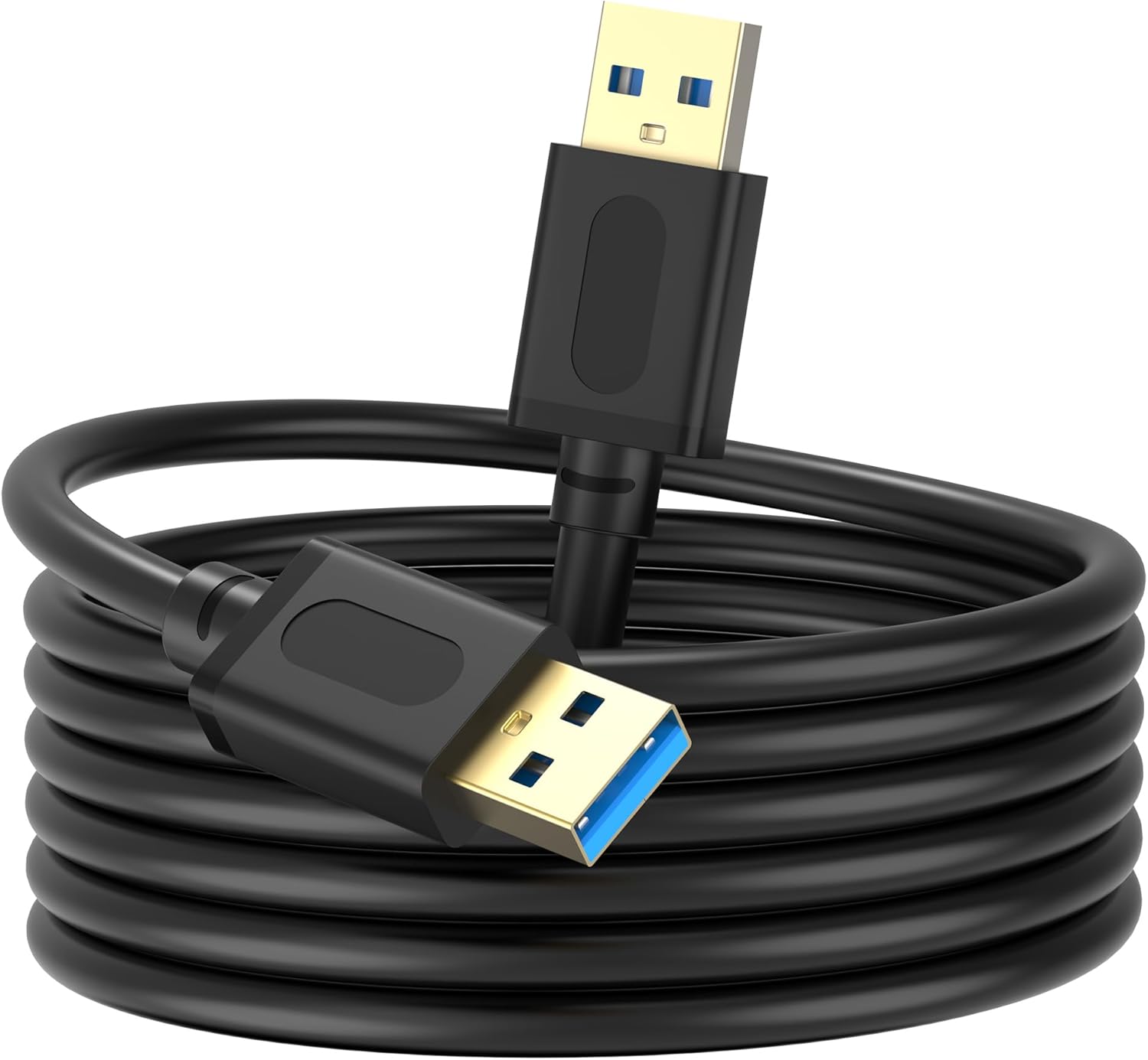

KEXIAO
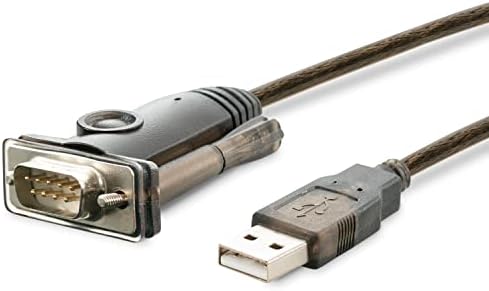
KEXIAO 3.5inch Floppy Drives Connector 34Pin 34P to USB Cable Adapter PCB Board
Bottom line: Per its Amazon listing, the 3.5inch Floppy Drives Connector 34Pin 34P to USB Cable Adapter PCB: this adapter boasts with USB cable length of approximately 20cm.
As an Amazon Associate, SpecPicks earns from qualifying purchases. Full disclosure →
Pros & Cons
Pros
- ✓ This adapter boasts with USB cable length of approximately 20cm
- ✓ Backed by KEXIAO's warranty and support channels
Cons
- ✗ Check the listed dimensions, connectors and platform compatibility against your setup before ordering
- ✗ Price, stock, shipping and returns are set by the retailer and may have changed since this page was last updated
Manufacturer description
Features:Transform 3.5inch floppy Drives into a modern USB compatible device with Floppy Drives Connector,featuring a 34 PIN to USB cable adapter for data transfer.This adapter boasts with USB cable length of approximately 20cm,for connecting hardware to contemporary systems without hassle.for enthusiasts,IT professional,and hobbyists who need to access or recover data from old floppy disks using current operating systems.Use this connectors in various scenario,such as data recovery or simply accessing archived files on floppy disks,ensuring compatibility across multiple platforms.Crafted…
SpecPicks Verdict
SpecPicks has no buyer-rating or benchmark data for 3.5inch Floppy Drives Connector 34Pin 34P to USB Cable Adapter PCB…, so this read rests on the manufacturer's listed specs (how we evaluate). Compare with similarly-priced alternatives in the cables & connectors category before committing. Judge it on the specification table and the price rather than on sentiment: check the figures that decide your use case, then put it side-by-side with two or three close alternatives in the Compare tool before clicking through.
Before ordering, check the listed dimensions, ports, power requirements and supported devices or systems in the spec table below against how you plan to use it, and confirm them on the retailer's listing. Prices and stock are set by the retailer and may have moved since this page was last updated.
Key Features
Quoted from the manufacturer's listing. Where it differs from the pros and cons above, those note the conditions the listing leaves out.
- Transform 3.5inch floppy Drives into a modern USB compatible device with Floppy Drives Connector,featuring a 34 PIN to USB cable adapter for data transfer.
- This adapter boasts with USB cable length of approximately 20cm,for connecting hardware to contemporary systems without hassle.
- for enthusiasts,IT professional,and hobbyists who need to access or recover data from old floppy disks using current operating systems.
- Use this connectors in various scenario,such as data recovery or simply accessing archived files on floppy disks,ensuring compatibility across multiple platforms.
- Crafted from metal and PCB materials,this adapter ensures performances,making it essential tool for anyone bridge between past and present technology.
Full Specifications
| Brand | KEXIAO |
|---|---|
| Connectivity | USB |
| Package Dimensions | 7.13 x 4.84 x 0.67 inches |
| Full listing title | 3.5inch Floppy Drives Connector 34Pin 34P to USB Cable Adapter PCB Board with Power Cable USB to 34 Pin Floppy Drives |
Ready to buy?
3.5inch Floppy Drives Connector 34Pin 34P to USB Cable Adapter PCB Board with Power Cable USB to 34 Pin Floppy Drives is listed on Amazon. Price, availability, shipping and returns are set by Amazon and its sellers — check the listing for current terms. SpecPicks earns a small commission on qualifying purchases — thank you for supporting independent review work.
Related Cables & Connectors



More guides & deep dives from the SpecPicks archive
Browse all articles & guides →- Emulation Hardware in 2026: FPGA, Software, and Cart-Reader Ecosystems
- The Complete Voodoo5 5500 AGP Driver Guide (2026 Edition)
- How to Build a Windows 98 Retro PC in 2026
- Best Budget Gaming PC Build 2026 — ~$1,000 Parts List
- Best Retro Handhelds in 2026: Pocket, Mid-Tier and FPGA Picks
- RTX 4070 Super vs RX 7800 XT — Which to Buy in 2026
- Best 1440p Gaming GPUs in 2026
More reviews from the SpecPicks archive
Browse all reviews →- Black Friday Monitor Deals 2026: 5 Picks From $100 1080p to 240Hz OLED
- Best Budget SSD for a Gaming PC in 2026: SATA vs NVMe
- Ryzen 5600G vs 5700X vs 5800X: Best CPU for a 1080p Gaming Build (2026)
- Best Cooler for the Ryzen 7 5800X: Noctua NH-U12S vs Cooler Master ML240L
- Best SSD for a Big Steam Library: Crucial BX500 1TB vs WD Blue
- How to Find and Join Active Retro Multiplayer Servers in 2026 (Quake 3, UT99, CS 1.6, Diablo II)
- IPEX-LLM + Ollama in Docker: Running Local Models on Intel GPUs
- Best Controller for RetroPie & Pi Emulation: SN30 Pro vs DualSense
- How to run Llama 3.1 8B on NVIDIA GeForce RTX 4090
- 8BitDo Sn30 Pro vs Pro 2: Best Bluetooth Controller for Raspberry Pi 4 Emulation
- Best 4K Monitor for the PS4 Pro and PS5 in 2026 (Value Pick)
- VibeThinker-3B on an RTX 3060 12GB: Reasoning in 3 Billion Params
- Best CPU for a Local-LLM Homelab Under $300 in 2026
- Best Sim Racing Wheel Setup 2026: G920 vs HORI vs TH8A
- DIY Pinball Controller for Retro Gaming: Build Guide
- Microsoft Mirage Adds Persistent Spatial Memory: Can a 12GB GPU Run Local Video Gen?
- Best Controller for Raspberry Pi Retro Emulation in 2026
- Handheld Gaming PCs With a Keyboard: 2025 Guide
- 8BitDo Pro 2 vs DualSense: Best Controller for PC Gaming in 2026
- RTX 3060 Driver Crashes and Stuttering: Troubleshooting Guide (2026)
- Private Smart Home: Running a Local LLM Voice Assistant in 2026
- LongCat-2.0: A Frontier Model Trained Without Nvidia GPUs
- Intel Arc Pro B70 vs RTX 3060 12GB: Budget AI + 1440p in 2026
- Best Budget SSD for a Steam Library in 2026: SATA vs NVMe on a Tight Budget
Earliest SpecPicks reviews
Browse full archive →- Best GPU for Llama 3.1 8B (2026)
- Best GPU for Qwen 3 14B (2026)
- Best GPU for Qwen 3 32B (2026)
- Best GPU for Llama 3.1 70B (2026)
- Best GPU for DeepSeek-R1 32B (2026)
- Best GPU for Llama 3.1 405B (2026)
- How to run Llama 3.1 8B on NVIDIA GeForce RTX 5090
- How to run Qwen 3 14B on NVIDIA GeForce RTX 5090
- How to run Qwen 3 32B on NVIDIA GeForce RTX 5090
- How to run Llama 3.1 70B on NVIDIA GeForce RTX 5090
- How to run DeepSeek-R1 32B on NVIDIA GeForce RTX 5090
- How to run Llama 3.1 8B on NVIDIA GeForce RTX 4090