

ASUS
ASUS Dual NVIDIA GeForce RTX 5060 Ti 16GB GDDR7 OC Edition Graphics Card
Bottom line: The ASUS Dual NVIDIA GeForce RTX 5060 Ti 16GB GDDR7 OC Edition Graphics ($829.16 on Amazon as of 2026-11-23 04:12 UTC): 16GB GDDR7 VRAM handles high-res textures and mid-size local AI models; main trade-off: 2.5-slot thickness can block an adjacent PCIe slot. Another in-stock pick with the same RTX 5060 Ti 16GB graphics card: the ASUS Dual GeForce RTX 5060 Ti 16GB GDDR7 OC…, $1,048.67 on Amazon as of (price may vary).
As an Amazon Associate, SpecPicks earns from qualifying purchases. Full disclosure →
Complete build that uses this part: Best GPU for Local LLMs by VRAM: 2026 Reddit Consensus (GPU (16 GB)) — see the full parts list for the rest of the build.
*Price sourced from Amazon.com. Last updated 2026-11-23. Product prices and availability are accurate as of the date/time indicated and are subject to change. Any price and availability information displayed on Amazon.com at the time of purchase will apply to the purchase of this product.
Pros & Cons
Pros
- ✓ 16GB GDDR7 VRAM handles high-res textures and mid-size local AI models
- ✓ Compact 2.5-slot, SFF-Ready design suits small-form-factor builds
- ✓ DLSS 4 support on NVIDIA Blackwell architecture
- ✓ 0dB fan stop keeps the card silent at idle and light loads
- ✓ Covered by a 3-year warranty
Cons
- ✗ 2.5-slot thickness can block an adjacent PCIe slot
- ✗ OC mode adds only 30 MHz over the 2602 MHz default boost
- ✗ Dual-fan cooler, not the triple-fan design of larger cards
- ✗ 16GB VRAM limits the largest local LLMs and big AI batch jobs
Manufacturer description
The ASUS Dual GeForce RTX 5060 Ti 16GB GDDR7 OC Edition puts NVIDIA's Blackwell architecture in a compact 2.5-slot card. That makes it a strong fit if you're building a small-form-factor rig or upgrading a mid-tower without giving up graphics headroom. You get 16GB of GDDR7 memory, which is plenty for high-resolution textures in modern games and leaves room for local AI workloads. The card is rated at 767 AI TOPS. DLSS 4 support lets you use NVIDIA's latest AI upscaling and frame generation in supported titles. In OC mode the boost clock reaches 2632 MHz, up from 2602 MHz in default mode…
SpecPicks Verdict
SpecPicks scored ASUS Dual NVIDIA GeForce RTX 5060 Ti 16GB GDDR7 OC Edition Graphics… using a rating × review-volume × price-fit model applied to our editorial and benchmark analysis across the graphics cards category. Compare with similarly-priced alternatives in the graphics cards category before committing. On the listing's own facts, the case for it is "16GB GDDR7 VRAM handles high-res textures and mid-size local AI models"; the main trade-off is "2.5-slot thickness can block an adjacent PCIe slot". If those two points fit how you will use it, put it beside one or two close alternatives in the Compare tool to confirm the price.
Common buyer scenarios for graphics cards of this kind: matching it to an existing build, replacing a failing part, or upgrading from a previous-generation equivalent. Check the spec table below against your current setup — particularly socket / form-factor / power-rating fields — and confirm compatibility on the retailer's listing before purchase. Prices and stock are set by the retailer and may have moved since this page was last updated.
Frequently Asked Questions
Will the ASUS Dual RTX 5060 Ti 16GB fit in a small form factor case?
ASUS labels this card SFF-Ready, and it uses a 2.5-slot design. Check the card's length on the product listing against your case's GPU clearance and slot count before you buy.
What boost clock does the OC Edition run at?
It boosts to 2632 MHz in OC mode and 2602 MHz in default mode.
Does this RTX 5060 Ti support DLSS 4?
Yes. It uses the NVIDIA Blackwell architecture and supports DLSS 4, including AI upscaling and frame generation in games that support them.
Is the RTX 5060 Ti 16GB good for running local AI models?
It has 16GB of GDDR7 memory and is rated at 767 AI TOPS, which covers many small and mid-size models. Very large models that need more than 16GB of VRAM won't fit entirely on the card.
What warranty and display outputs does it come with?
The listing states a 3-year warranty. Outputs include HDMI 2.1b and DisplayPort 2.1b. Check the product listing for the exact number of ports and the current warranty terms.
Video review
If you came here for 50x better performance... - Nvidia RTX 5060Ti 16GB — ShortCircuit on YouTube
Key Features
Quoted from the manufacturer's listing. Where it differs from the pros and cons above, those note the conditions the listing leaves out.
- AI Performance: 767 AI TOPS
- OC mode: 2632 MHz (OC mode)/ 2602 MHz (Default mode)
- Powered by the NVIDIA Blackwell architecture and DLSS 4
- SFF-Ready Enthusiast GeForce Card
- Axial-tech fan design features a smaller fan hub that facilitates longer blades and a barrier ring that increases downward air pressure
Full Specifications
| Brand | ASUS |
|---|---|
| OC mode | 2632 MHz (OC mode)/ 2602 MHz (Default mode) |
| GPU Series | NVIDIA RTX 50 Series |
| Model Name | DUAL-RTX5060TI-O16G |
| Unit Count | 1 Count |
| Model Number | DUAL-RTX5060TI-O16G |
| AI Performance | 767 AI TOPS |
| Built-In Media | DUAL-RTX5060TI-16G Video Card, Speedsetup Manual, Thank You Card |
| Number of Fans | 2 |
| GPU Clock Speed | 2632 megahertz |
| Mfr Part Number | DUAL-RTX5060TI-O16G |
| Video Processor | NVIDIA |
| Antenna Location | Gaming |
| Graphics Card Ram | 16 GB |
| Graphics Ram Size | 16 GB |
| Graphics Ram Type | GDDR7 |
| Compatible Devices | Desktop |
| Memory Clock Speed | 2602 MHz |
| Graphics Coprocessor | NVIDIA GeForce RTX 5060 Ti |
| Graphics Description | NVIDIA GeForce RTX 5060 Ti, 16GB GDDR7, 2632MHz (OC Mode), DLSS 4 |
| Full listing title | ASUS Dual NVIDIA GeForce RTX 5060 Ti 16GB GDDR7 OC Edition Graphics Card, (PCIe 5.0, DLSS 4, HDMI 2.1b, DisplayPort 2.1b, 2.5-Slot, Axial-tech Fan, 0dB Technology), 3 Year Warranty |
Performance Data
View gaming FPS, AI inference throughput, and synthetic scores for the NVIDIA GeForce RTX 5060 Ti 16GB — the core hardware component in this product. Benchmarks sourced from TechPowerUp, PassMark, and the r/LocalLLaMA community.
Which local LLMs fit in 16 GB?
16 GB holds a 20–27B model at Q4 with a modest context window; 30B-class weights need 24 GB.
- ✅ 7–9B models (Llama 3.1 8B, Qwen 3 8B) — fits at Q4
- ✅ 12–14B models (Qwen 3 14B, Phi-4) — fits at Q4
- ❌ 20–27B models (Gemma 3 27B, Mistral Small) — needs 20 GB+
- ❌ 30–35B models (Qwen 3 32B, QwQ 32B) — needs 24 GB+
- ❌ 70B models (Llama 3.3 70B, Qwen 2.5 72B) — needs 48 GB+
Across 22 community runs from 13 sources, the NVIDIA GeForce RTX 5060 Ti 16GB generates a median 70.1 tok/s on 7–9B models at Q4 (per Hardware Corner).
Benchmark data for other graphics cards
Ready to buy?
ASUS Dual NVIDIA GeForce RTX 5060 Ti 16GB GDDR7 OC Edition Graphics Card, (PCIe 5.0, DLSS 4, HDMI 2.1b, DisplayPort 2.1b, 2.5-Slot, Axial-tech Fan, 0dB Technology), 3 Year Warranty is listed on Amazon. Price, availability, shipping and returns are set by Amazon and its sellers — check the listing for current terms. SpecPicks earns a small commission on qualifying purchases — thank you for supporting independent review work.
*Price sourced from Amazon.com. Last updated 2026-11-23. Product prices and availability are accurate as of the date/time indicated and are subject to change. Any price and availability information displayed on Amazon.com at the time of purchase will apply to the purchase of this product.
Read our analysis
SpecPicks coverage that features this Graphics Card.
Related Graphics Cards


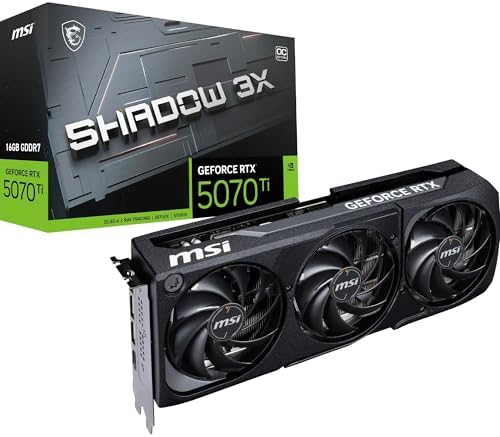
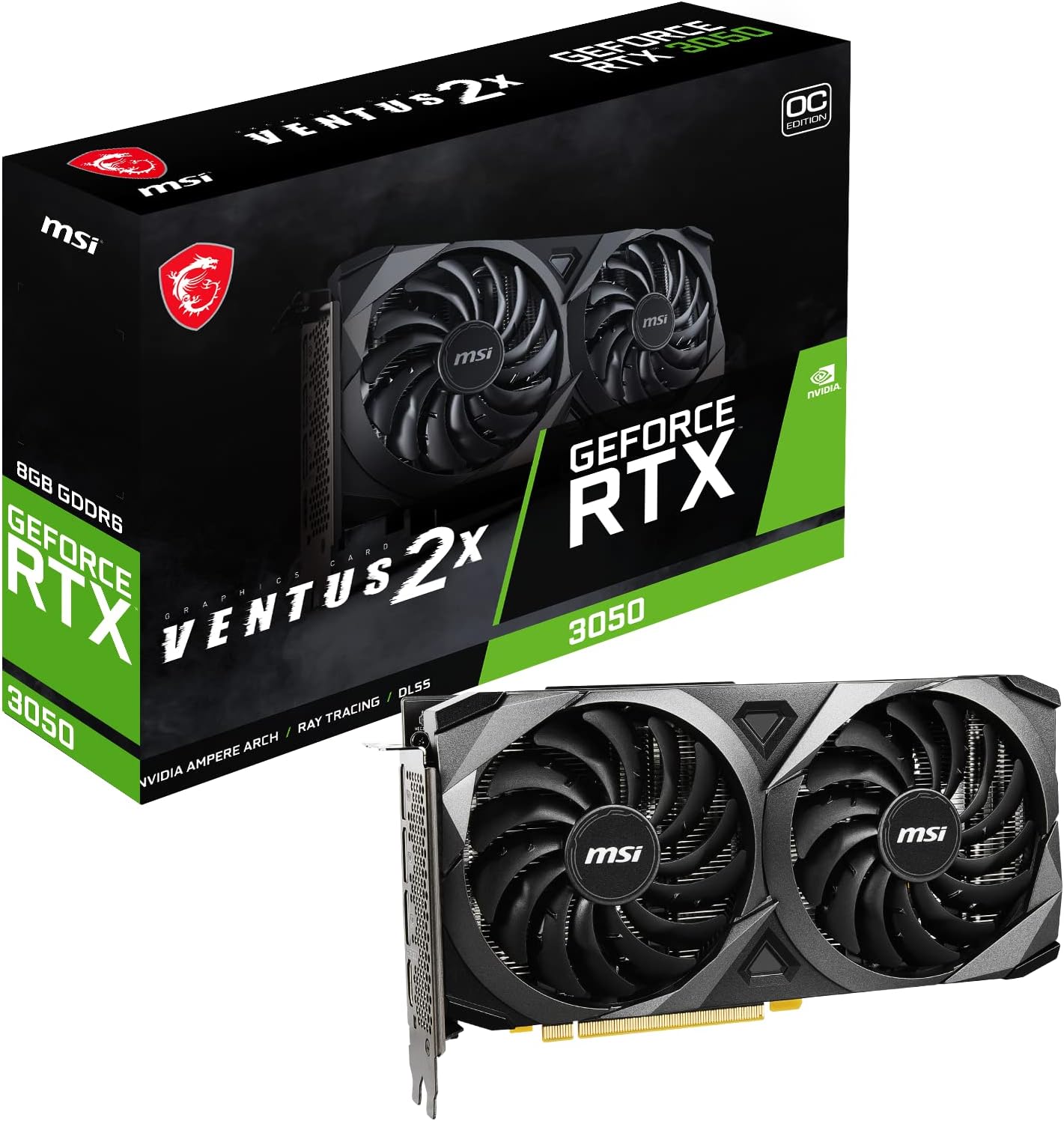
ASUS Dual NVIDIA GeForce RTX 5060 Ti 16GB GDDR7… head-to-head
Side-by-side specs, prices, and a pick for each matchup — no tab-switching.
More guides & deep dives from the SpecPicks archive
Browse all articles & guides →- Emulation Hardware in 2026: FPGA, Software, and Cart-Reader Ecosystems
- RTX 4070 Super vs RX 7800 XT — Which to Buy in 2026
- Best 1440p Gaming GPUs in 2026
- Best Budget Gaming PC Build 2026 — ~$1,000 Parts List
- How to Build a Windows 98 Retro PC in 2026
- The Complete Voodoo5 5500 AGP Driver Guide (2026 Edition)
- Best Retro Handhelds in 2026: Pocket, Mid-Tier and FPGA Picks
More reviews from the SpecPicks archive
Browse all reviews →- 10 Raspberry Pi Projects Worth Building in 2025
- Running a 1-Trillion-Parameter LLM on 768GB of Cheap Optane
- AMD Radeon RX 9070 GRE Review: Thoroughly Midrange
- Coral TPU for LLM Inference: What the Specs Really Say
- Meta Muse Spark 1.1 Hits 51 on the Intelligence Index: The Local Angle
- Best Budget Streaming Starter Kit for Twitch & YouTube in 2026
- Best Budget Sim Racing Wheel: Logitech G29 vs HORI vs Thrustmaster
- Best Budget Streaming Gear in 2026: 5 Picks to Go Live Cheap
- Upgrading From an RTX 3080 in 2026: What to Buy
- Best Raspberry Pi 5 Home Lab Cluster Setup for Self-Hosting (2026)
- Dual RTX 3090 vs RTX 5090: Gaming vs AI Training
- Best Internal SSD for Gaming PC Build in 2026
- Intel Arc Pro B60 vs RTX 3060 12GB for Local LLM
- ZOTAC vs MSI RTX 3060 12GB: Which Twin-Fan Card Should You Buy in 2026?
- Logitech G920 vs HORI Racing Wheel: Best Sim Racing Wheel for PS5 & PC
- Best NVMe SSD for Local AI Model Storage in 2026
- Local LLM Benchmarks 2025: AMD Instinct vs Radeon Pro
- PS3 Emulation Reaches Radeon HD 2000-4000: What It Unlocks
- KOORUI 27" 4K QD-Mini LED vs Samsung Odyssey 27" 4K: Which 4K Gaming Monitor Wins?
- Gemini 3.5 Flash vs Local LLMs on a 12GB GPU: When Cloud Wins
- Orange Pi 4 Pro 12GB vs Raspberry Pi 4 8GB for Small Local LLMs (2026)
- Strix Halo Clustering for Local LLMs: What the LocalLLaMA Reports Show
- Aider vs Cline vs Continue.dev for Local Coding on an RTX 3060 (2026)
- Dual RTX 3090 LLM Training: 2026 Benchmarks & Build Guide
Earliest SpecPicks reviews
Browse full archive →- Best GPU for Llama 3.1 8B (2026)
- Best GPU for Qwen 3 14B (2026)
- Best GPU for Qwen 3 32B (2026)
- Best GPU for Llama 3.1 70B (2026)
- Best GPU for DeepSeek-R1 32B (2026)
- Best GPU for Llama 3.1 405B (2026)
- How to run Llama 3.1 8B on NVIDIA GeForce RTX 5090
- How to run Qwen 3 14B on NVIDIA GeForce RTX 5090
- How to run Qwen 3 32B on NVIDIA GeForce RTX 5090
- How to run Llama 3.1 70B on NVIDIA GeForce RTX 5090
- How to run DeepSeek-R1 32B on NVIDIA GeForce RTX 5090
- How to run Llama 3.1 8B on NVIDIA GeForce RTX 4090