

Computer Repair
Bottom line: The Computer Repair: Flowchart-driven diagnosis: follow yes/no branches from symptom to the failed component; main trade-off: hardware-only scope; the title promises no OS, driver, or malware troubleshooting.
As an Amazon Associate, SpecPicks earns from qualifying purchases. Full disclosure →
Pros & Cons
Pros
- ✓ Flowchart-driven diagnosis: follow yes/no branches from symptom to the failed component
- ✓ Covers the full stated range: boot failure, POST problems, and poor performance
- ✓ Paperback lies open on a bench beside an open case, no screen needed mid-repair
- ✓ Single-author text by Morris Rosenthal rather than a stitched-together contributor anthology
Cons
- ✗ Hardware-only scope; the title promises no OS, driver, or malware troubleshooting
- ✗ Flowchart format trades deep explanation for fast branching decisions
- ✗ Listing shows no page count, edition, or publication date to judge coverage currency
- ✗ Paperback is the only format shown; no ebook edition listed for searchable bench use
SpecPicks Verdict
SpecPicks has no buyer-rating or benchmark data for Computer Repair, so this read rests on the manufacturer's listed specs (how we evaluate). Compare with similarly-priced alternatives in the retro reference & guides category before committing. On the listing's own facts, the case for it is "Flowchart-driven diagnosis: follow yes/no branches from symptom to the failed component"; the main trade-off is "Hardware-only scope; the title promises no OS, driver, or malware troubleshooting". If those two points fit how you will use it, put it beside one or two close alternatives in the Compare tool to confirm the price.
Before ordering, check the listed dimensions, ports, power requirements and supported devices or systems in the spec table below against how you plan to use it, and confirm them on the retailer's listing. Prices and stock are set by the retailer and may have moved since this page was last updated.
Full Specifications
| Brand | Morris Rosenthal(Author)Format:Paperback |
|---|---|
| Compatibility | PC |
| Full listing title | Computer Repair with Diagnostic Flowcharts: Troubleshooting PC Hardware Problems from Boot Failure to Poor Performance |
Ready to buy?
Computer Repair with Diagnostic Flowcharts: Troubleshooting PC Hardware Problems from Boot Failure to Poor Performance is vintage hardware; the used and vintage market on eBay carries most of the live inventory. Prices and condition vary by seller and move in real time, so we link the live listing rather than quote a cached price. It also has an Amazon listing — check it for current price and availability. SpecPicks earns a small commission on qualifying purchases — thank you for supporting independent review work.
Related Retro Reference & Guides

Editors of Haynes Manuals HaynesFormat:Paperback
Ford Mustang (05-14) Haynes Repair Manual (Does Not Include Information Specific to Shelby GT5000 Cobra…


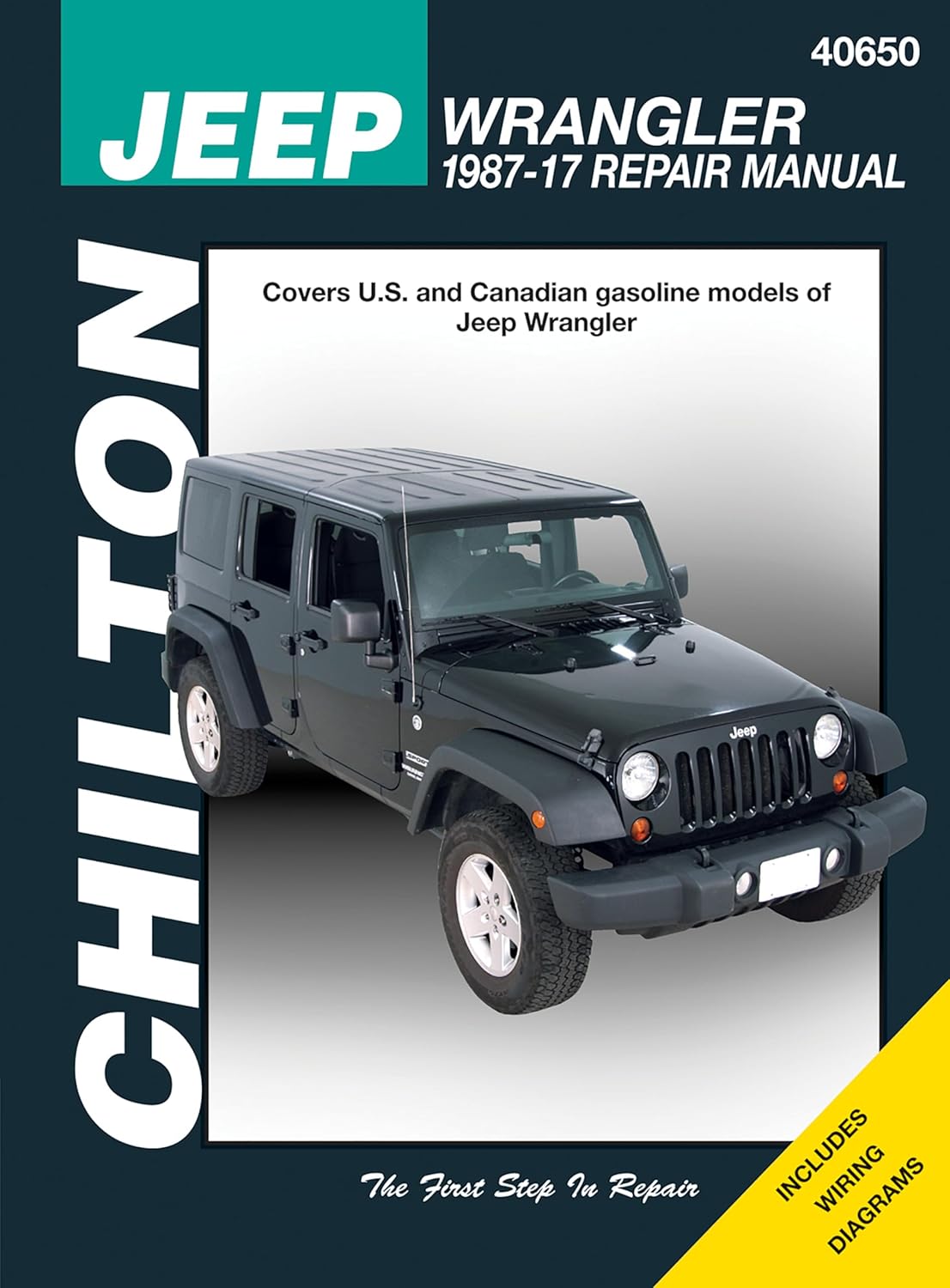
Mike StubblefieldFormat:Paperback
Chilton Total Car Care Jeep Wrangler 1987-2017 Repair Manual (Chilton's Total Care) Chilton

More guides & deep dives from the SpecPicks archive
Browse all articles & guides →- Best Budget Gaming PC Build 2026 — ~$1,000 Parts List
- Emulation Hardware in 2026: FPGA, Software, and Cart-Reader Ecosystems
- How to Build a Windows 98 Retro PC in 2026
- RTX 4070 Super vs RX 7800 XT — Which to Buy in 2026
- Best 1440p Gaming GPUs in 2026
- The Complete Voodoo5 5500 AGP Driver Guide (2026 Edition)
- Best Retro Handhelds in 2026: Pocket, Mid-Tier and FPGA Picks
More reviews from the SpecPicks archive
Browse all reviews →- Best USB Microphone for Streaming in 2026
- Blue Yeti vs HyperX QuadCast 2 S: Best USB Mic for Streaming in 2026
- Best GPU for 1080p 240Hz Esports: RTX 3060 12GB Build (2026)
- Running Qwen3.5/3.6 with NextN MTP on an RTX 3090 Ti
- Best GPU for 1440p Local Image Generation in 2026: Why the RTX 3060 12GB Still Wins on Value
- AMD Ryzen 7 5800X + RTX 5060 Combo Hits $439 With Free Cooler
- SATA SSD vs NVMe for a Ryzen 5 5600G Budget Build in 2026
- Blue Yeti vs HyperX QuadCast 2 S: Best USB Mic for New Streamers
- Best 12GB GPU for Stable Diffusion: RTX 3060 in 2026
- Jellyfin NVENC Transcodes + a Local LLM on One RTX 3060 12GB
- Best Budget Gaming Mouse + Mousepad Combo Under $80 in 2026
- Black Friday Home-Lab Deals: 5 Network and NAS Picks
- Best Budget Gaming CPU Under $250 in 2026
- Intel Arc B50 for Stable Diffusion vs RTX 3060 12GB: Which Wins in 2026
- Best Parts for a Dual RTX 3060 24GB Local-LLM Build in 2026
- Best Gaming Headsets and Audio Gear for Console Players in 2026
- Meta Is 'Token Managing' Now: Cut Local-LLM Cost on a Single RTX 3060
- Best Budget GPU for Local LLMs in 2026: RTX 3060 12GB vs the Alternatives
- Best Local LLM for Coding Agents on a 24GB GPU (Late 2026)
- Best Noctua Cooling Products in 2026: A Brand Buying Guide
- Run a Local LLM on a Raspberry Pi 4 8GB: What Works in 2026
- vLLM vs llama.cpp for Single-User Local Chat on a 12GB GPU
- LoRA Fine-Tuning Small LLMs on an RTX 3060 12GB in 2026
- Best Plug-and-Play Retro Console to Buy in 2026
Earliest SpecPicks reviews
Browse full archive →- Best GPU for Llama 3.1 8B (2026)
- Best GPU for Qwen 3 14B (2026)
- Best GPU for Qwen 3 32B (2026)
- Best GPU for Llama 3.1 70B (2026)
- Best GPU for DeepSeek-R1 32B (2026)
- Best GPU for Llama 3.1 405B (2026)
- How to run Llama 3.1 8B on NVIDIA GeForce RTX 5090
- How to run Qwen 3 14B on NVIDIA GeForce RTX 5090
- How to run Qwen 3 32B on NVIDIA GeForce RTX 5090
- How to run Llama 3.1 70B on NVIDIA GeForce RTX 5090
- How to run DeepSeek-R1 32B on NVIDIA GeForce RTX 5090
- How to run Llama 3.1 8B on NVIDIA GeForce RTX 4090